AI-Powered Career Tool

Your AI Advantage on LinkedIn.

Instantly find, filter, and apply to the perfect roles. Powered by advanced Llama 3.3 AI technology to give you a 10x edge in your job search.

98% Match Accuracy
10x Faster Search
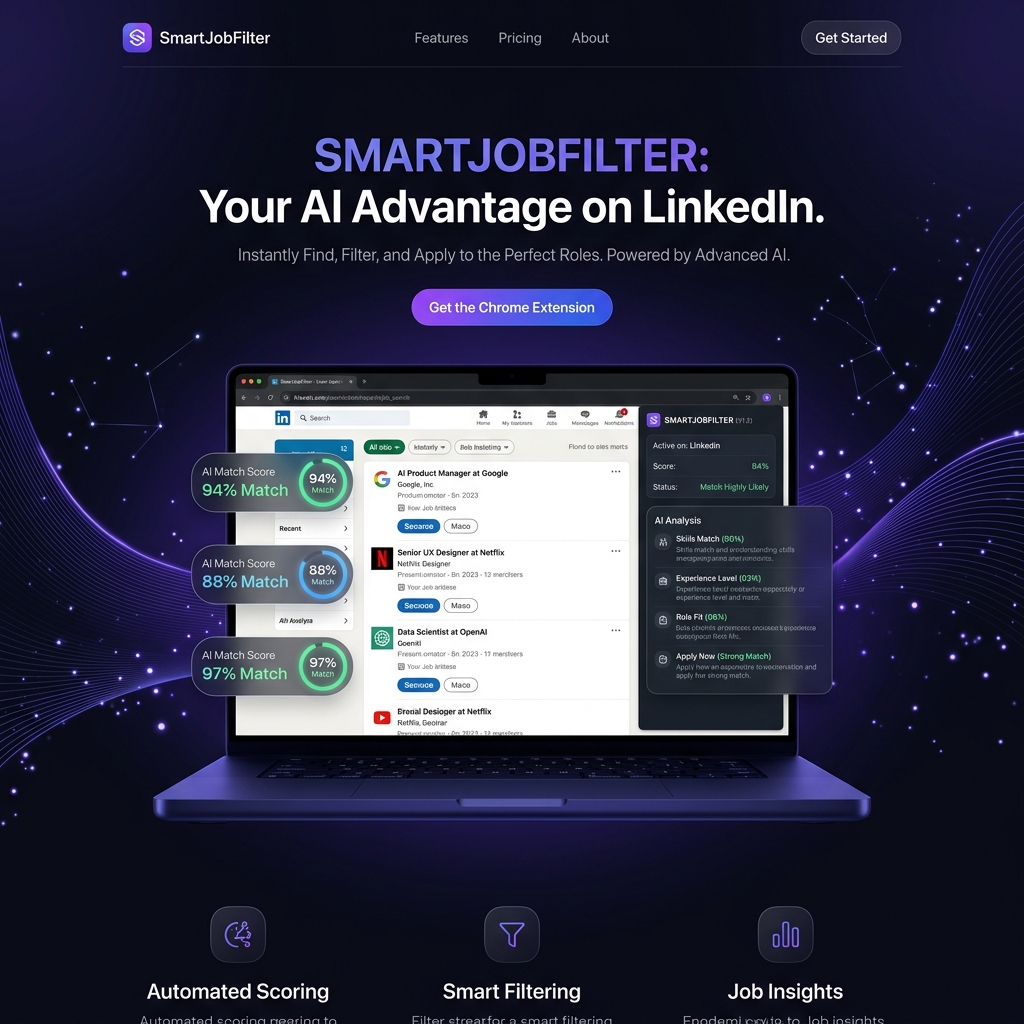
SmartJobFilter Laptop Mockup
94% Match
AI Product Manager
97% Match
Data Scientist

Built for the Modern Job Hunter.

Powerful features that turn your LinkedIn feed into a curated list of opportunities.

🎯

Automated Scoring

Real-time match scoring directly on your job list. See instantly which roles deserve your attention and which don't.

🤖

Smarty AI Chatbot

Meet Smarty, your career AI. Ask questions about job fit, culture, or how to tailor your resume for a specific role.

🔍

Deep Search Analysis

Get a detailed breakdown of strengths and skill gaps. Know exactly where you stand before you even click apply.

📄

Instant Resume Parsing

Upload your PDF or DOCX once, and let the AI do the heavy lifting across every listing you browse.

01

Install

Add the extension to Chrome in one click.

02

Upload

Upload your resume to set your profile.

03

Search

Browse LinkedIn and see the magic happen.

How to Install Manually

Since we are in early access, follow these 3 simple steps to get started.

1

Unzip File

Download the ZIP and extract it to a folder on your computer.

2

Open Extensions

Go to chrome://extensions and turn on Developer Mode.

3

Load Unpacked

Click Load unpacked and select the folder you just extracted.

Pro Tip
If match scores are not loading on LinkedIn, simply refresh the jobs page to trigger a new AI analysis. This ensures the extension has the latest page context.